
Keys Everywhere.
Public keys get copied onto servers, shared between environments, and forgotten.
JADAPTIVE SSH TEAMS
Centralise SSH access with short-lived certificates, policy-based controls, and deployment in infrastructure you own.
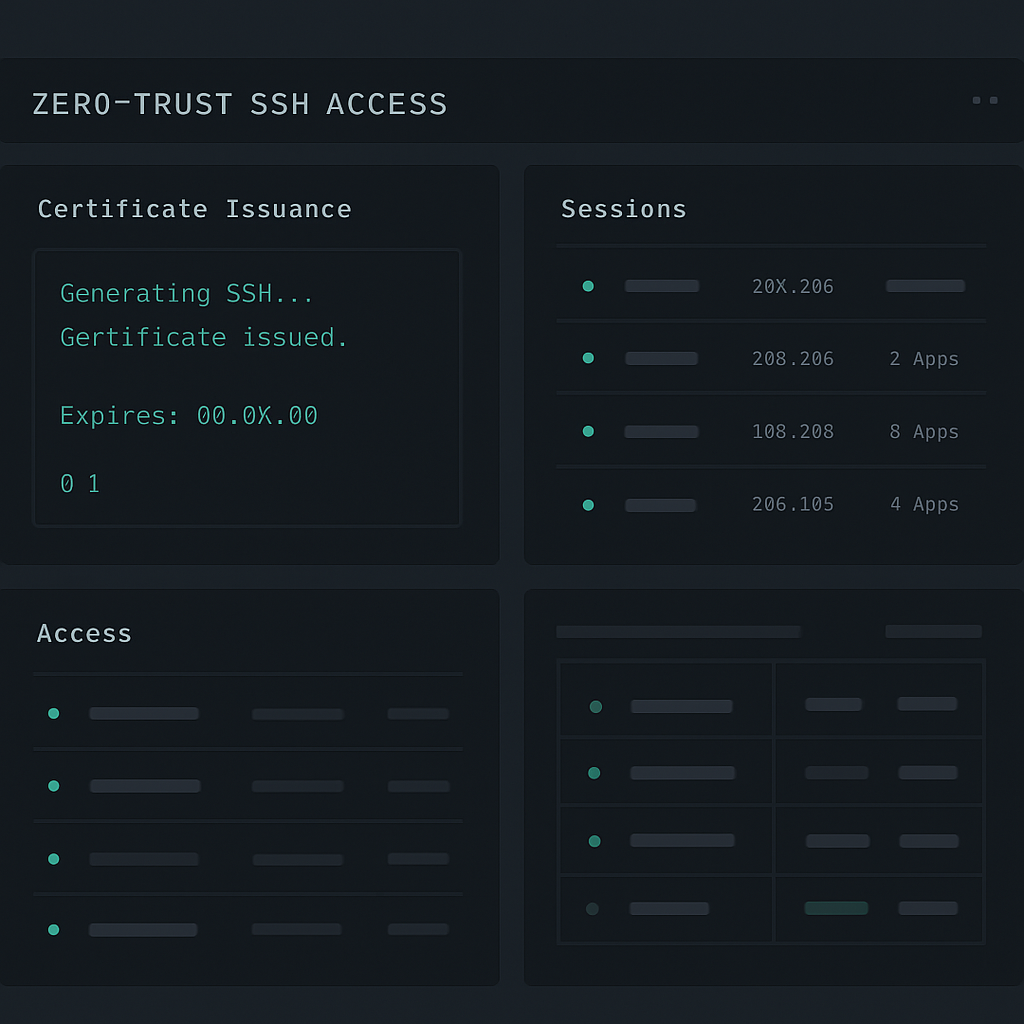
THE PROBLEM
Public keys get copied onto servers, shared between environments, and forgotten.
People change roles, leave teams, or lose devices. Removing their access becomes a manual exercise.
Controlling who can access production, when they can connect, and which accounts they can use becomes increasingly difficult.
HOW IT WORKS
FEATURES
Manage users, servers, devices, and policies from one interface.
Issue five-minute OpenSSH certificates on demand.
Control access by user, server, principal, source IP, and schedule.
Register trusted devices and revoke certificate access when needed.
Delegate management permissions without full administrative access.
Use sshteam CLI workflows with standard SSH tooling and ssh-agent.
SECURITY
Short-lived OpenSSH certificates reduce reliance on permanently distributed user credentials.
OAuth 2.0 device registration and DPoP proof-of-possession bind signing requests to registered device key material.
Control which users and principals can access specific servers, with restrictions for time, source address, and permitted SSH capabilities.
Revoke a registered device to prevent it from obtaining further certificates.
DOCKER DEPLOYMENT
Deploy SSH Teams in your own infrastructure using Docker. Configure your certificate authority, register your servers, and start managing SSH access.
No external SSH gateway required. No need to replace your existing SSH servers.
docker run -d \
  --name sshteam \
  -p 8080:8080 \
  -p 8443:8443 \
  -v sshteam-conf:/app/conf.d \
  -v sshteam-data:/app/nitrate/data \
  -e SSHTEAM_PERSISTENCE_BACKEND=nitrate \
  -e HTTP_PORT=8080 \
  -e HTTPS_PORT=8443 \
jadaptive/sshteam:latestEXTEND SSH TEAMS
SSH Teams isn't limited to interactive SSH sessions. Bring centrally managed, short-lived SSH credentials into AI-powered automation and your own applications using Jadaptive's SSH technology.
Connect AI agents to your infrastructure using Maverick SSH MCP and SSH Teams. Replace permanent SSH credentials with ephemeral certificates issued under your organisation's access policies.
The container hosting Maverick SSH MCP, or the device on which it runs, can be registered as a trusted device with SSH Teams.
For each SSH connection, the MCP device requests a fresh certificate from the SSH Teams certificate authority.
SSH Teams evaluates the applicable policy before issuing the certificate. Maverick SSH MCP then uses that certificate to establish a direct SSH connection to the target server.
AI Agent
Maverick SSH MCP
SSH Teams
Certificate Issued
Maverick SSH MCP
→Target SSH Server
Integrate SSH Teams into Java applications built with Maverick Synergy. Request short-lived SSH credentials and use them to establish certificate-authenticated SSH connections.
Use SSH Teams to control certificate issuance while Maverick Synergy handles the SSH connection.
SSH Teams + Maverick Synergy / Java
SshteamClient client = new SshteamClient(
        HsmBackedDeviceStore.defaultStore(),
        "ssh.ca.local", false);

SshKeyPair certIdentity = client.generateEphemeralCertificate(
        sshHost, sshPort, sshUsername,
        SshKeyPairGenerator.ED25519);

SshClient ssh = SshClientBuilder.create()
        .withTarget(sshHost, sshPort)
        .withUsername(sshUsername)
        .withIdentities(certIdentity)
        .withConnectTimeout(Duration.ofSeconds(30))
.build();THE FIELD OF USERS PHILOSOPHY
We believe infrastructure software should become more useful as your team grows, not more expensive every time you add a user or server.
That's why SSH Teams Community is free, with no per-user or per-server charges.
Deploy it in your own environment. Connect your team. Manage your infrastructure.
COMMUNITY
FREE
Deploy SSH Teams in your own infrastructure and start managing SSH access with short-lived certificates and centralised access policies.
Get Started FreeFor organisations that need additional commercial capabilities or enterprise deployment options, Jadaptive offers commercial licensing.
Includes unlimited email technical support. Advanced Support is available separately.
See Support & Maintenance for programme scope and conditions.
Contact us to discuss your requirements.
Contact SalesFREQUENTLY ASKED QUESTIONS
No. SSH Teams uses standard OpenSSH user certificates. Your servers are configured to trust your team certificate authority.
No. SSH Teams works with standard OpenSSH clients using a wrapper script that works with your existing command lines, for example: sshteam ssh -p 2222 user@host.
SSH Teams currently issues certificates with a five-minute validity period. Active SSH sessions are not automatically terminated at the five-minute mark.
A revoked device can no longer request new SSH certificates. Certificates already issued continue until their existing validity period ends.
No. SSH Teams issues certificates and enforces policy. SSH connections go directly from the client device to your target SSH server.
Yes. SSH Teams is designed for self-hosted deployment in your own infrastructure using the documented Docker process.
SSH Teams Community is free to deploy. For commercial licensing, multi-tenanted deployment, or organisation-specific requirements, contact Jadaptive.
GET STARTED WITH SSH TEAMS
Stop managing SSH access one server and one key at a time.
Bring your users, devices, servers, and access policies together with SSH Teams.
Deploy in your own infrastructure and get started for free.